Category Archives: Reviews

Extreme Grid Case for iPhone Review

CP2-4

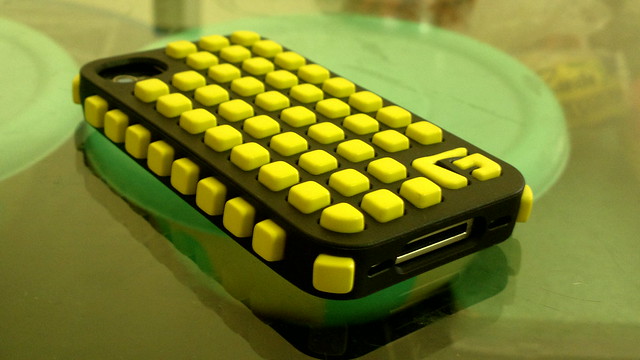
I am a fan of iPhone cases which comes with front and back protection instead of the normal bumper types. My old case was made of plastic and it broke after few drops. So I was looking for a durable and strong case for my iPhone. I think I have found a winner it is the Extreme Grid iPhone Case.
2013-05-06-4423.jpg

Review :

2013-05-07-4433.jpg

2013-05-06-4424.jpg

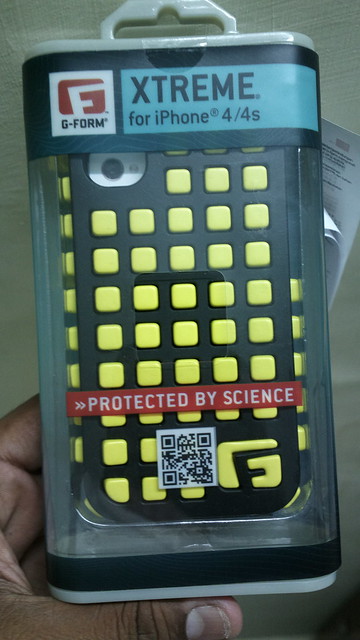
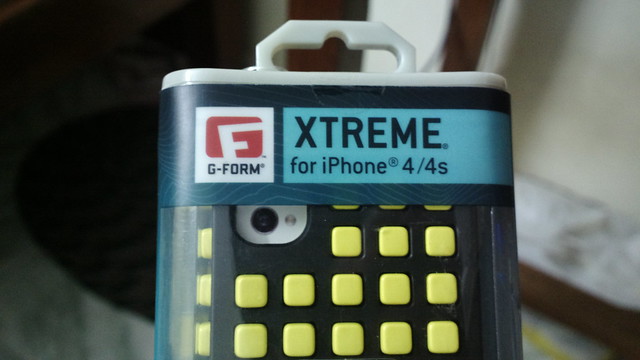
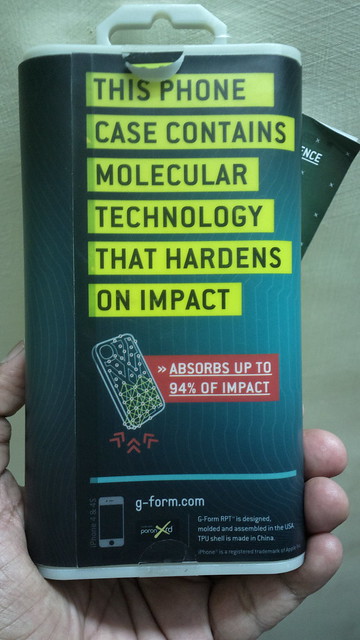
The Extreme Grid Case for iPhone comes in a plastic package. At the back side of the package it is written that the case contains molecular technology to save iPhone from accidental drops. Inside the package you find the case and the leaflet which details the above mentioned molecular technology.
2013-05-06-4425.jpg

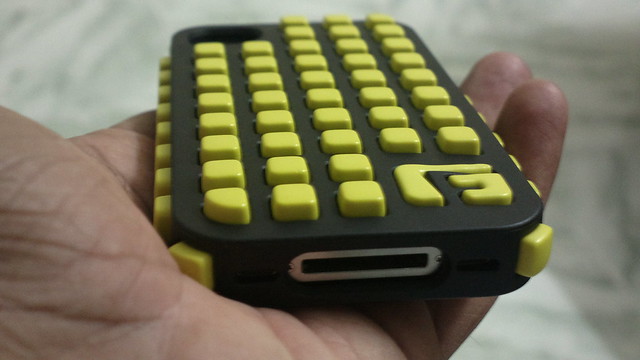
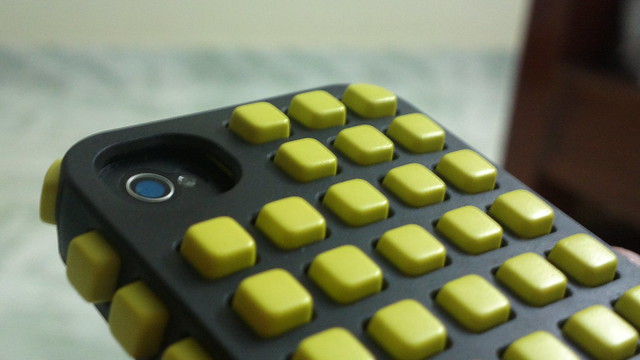
The case is made up of two layers. First is the strong plastic/rubber shell with numerous cube like holes on the back, sides and edges of the case. The second layer is made up of rubbery cubes which G-Form calls as Reactive Protection Technology materials. The rubber cubes are made up of molecular technology which hardens on impact. The case is very tight and it holds the iPhone very strongly to the second layer. The case is so tight that it even ripped by screen protector on my first try. The feel of the case is very good. The cubes like structures are very soft and the grip it provides is very good. The case comes with cut outs for all the ports, buttons and camera.
2013-05-06-4430.jpg

I tried few drop tests with the case on as expected nothing happened to the phone . The case comes with protection on the sides and edges of the phones too.
2013-05-06-4428.jpg

The front part of the case contains a thick flexible part which prevents touchscreen damage. Some may not like this case due to its bulkiness. But if you are planning to get a strong cool looking case for your iPhone 4S this is the one.
 

UCBrowser for iPhone Review

iPhone users have a opinion that the third party web browsers in iPhone doesn’t perform better than the default browser. But this UCBrowser we tested tend to differ from the array of just another third party browser concept . UC Browser is the product of UCWeb. They just updated their iPhone version of the browser with many features.

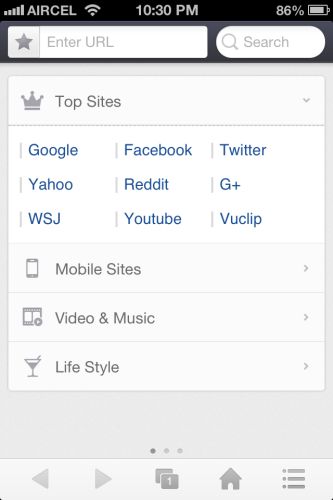
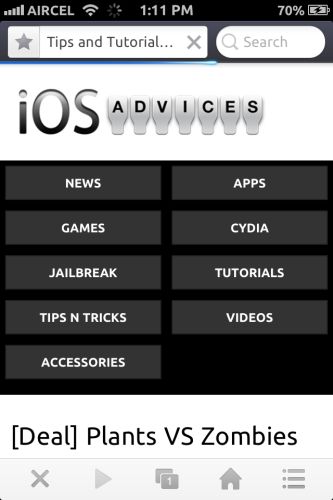
Let’s start from the home screen of the browser. Once you open the app you can see three swipable home screens. The first screen shows top sites, mobile version of famous sites and many more bookmarks.

ucbrowser

1


1-1

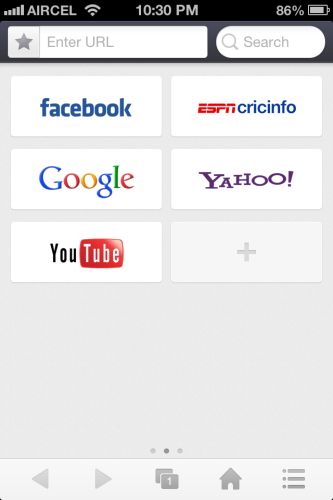
Second screen have the  quick shortcuts aka speed dial view of your frequently visited websites.

2

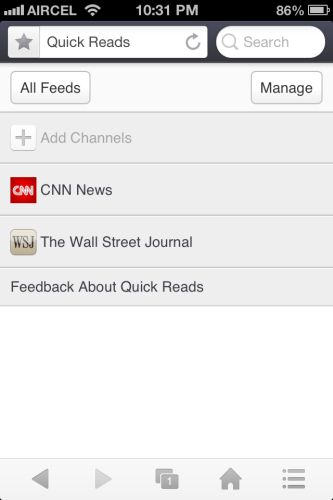
Third screen is the special one. It is called as the quick reads. It shows top headlines from various news networks. In the main screen you can see the URL text box and search text box.

10

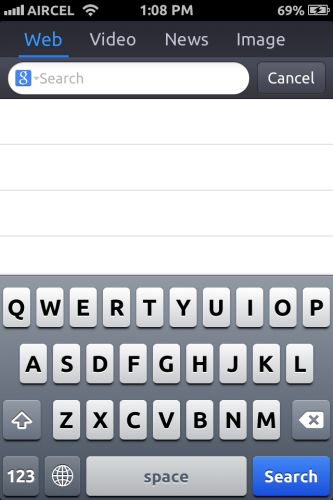
The search bar is also improved to get you the quickest search result possible. Just click what you need to search for such as website, Videos, News and Image.

UC browser also supports gestures . Two finger swipe down opens a new tab, two finger swipe up closes the tab and two finger right or left swipe lets you switch between the tabs. And Single finger left or right swipe in a web page takes you forward or backward in a web page.

8

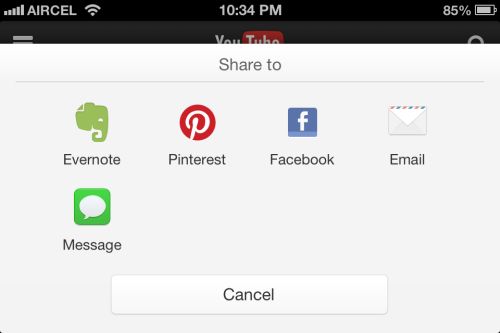
In the tools menu you can find the share menu from which you can share the page to many social networks. There is also rotation lock in the browser. The toggle for rotation lock appears when you change the orientation of the phone.

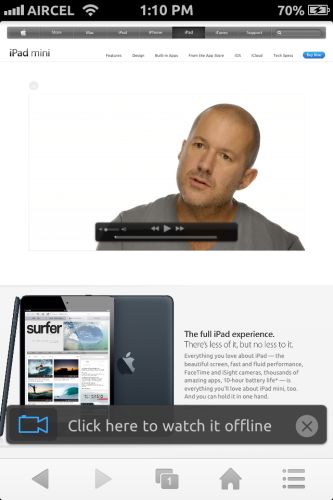
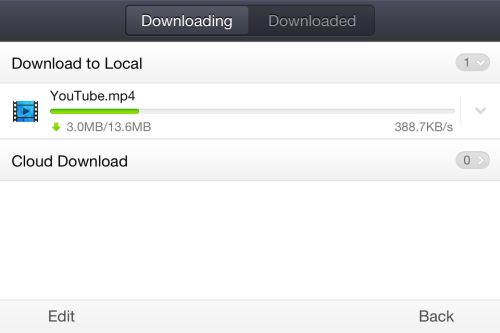
Load a website with video and wait for the surprise ;-). UC browser comes with watch offline mode. Download any videos on WiFi/3G network and watch on the go. This options shows up on all streaming internet videos.

12

713

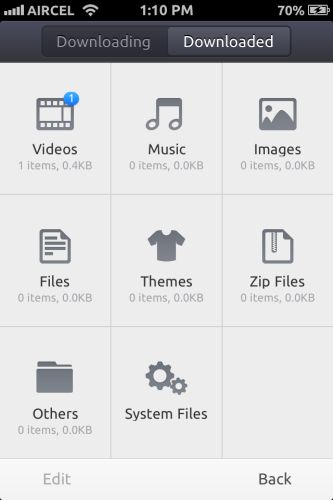
Once you click watch offline, the UC browser starts to download the video file for you. In my opinion this is one of the most needed feature in India.

3

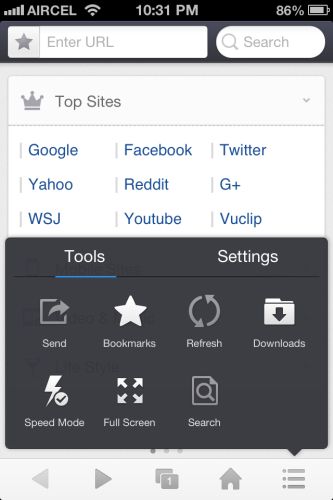
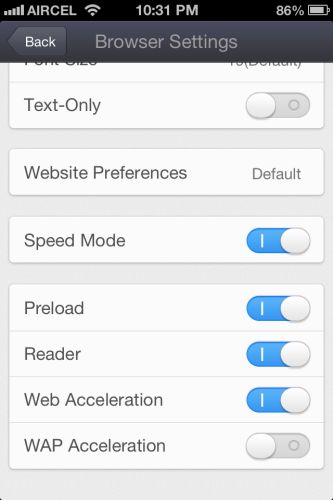
Tools and settings is the most interesting part of the UC browser. There are lots of settings to make the browsing experience good for the users. You can access speed mode which reduces image and site load. It can be accessed quickly from the tools menu.

4

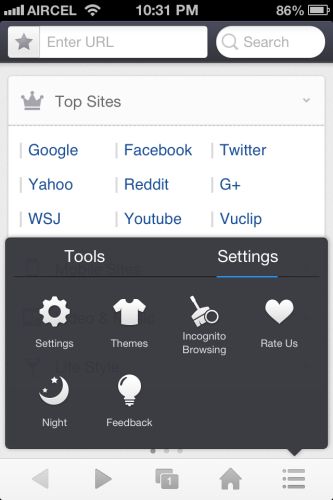
Moving to settings you can find the option to change theme, enable incognito browsing and easy on eyes Night theme mode. You can also change theme by shaking the phone .Once you open the settings panel you can see settings for browser and share menu. You can change various download options in that menu.

95

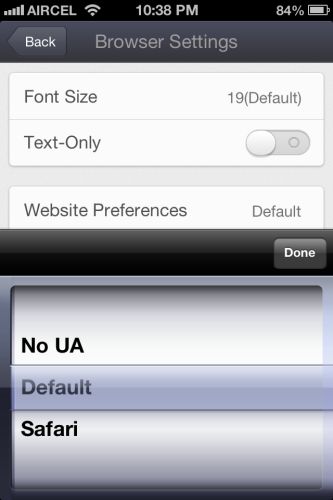
Inside the browser settings you can find the option to change user agent of the browser , font size and speed mode options to make the website load quicker.

14

Overall UC web have delivered a great and much needed update to its famous UC browser. If you are looking for a faster and more user friendly web browser for iPhone. This is the one to get. Download it here.

Blogsy – Must Have Ultimate Blogging Tool For Your iPad

iPad is an amazing technology innovation from Apple Inc. Apple calls iPad as post PC device. We can also see lots of tablet from competitors after iPad's success. There are more than 250,000+ iPad only apps in app store to take advantage of the large canvas.

I got my iPad 2 Weeks before and I am testing many apps to make my iPad a better tool. I came to know about blogsy from one of my blog friend and I tried it. Oh man!! it's an amazing app to write blogpost using iPad.

Continue reading Blogsy – Must Have Ultimate Blogging Tool For Your iPad