Category Archives: iOS 6

Downgrade iOS 7 to iOS 6

How To Downgrade iOS 7 To iOS 6.1.3 / iOS 6.1.4

Apple unveiled the new innovative simple, elegent and most advanced iOS operating system at WWDC. The new iOS 7 is available as beta for iPhone for developers. I can see most of the iOS users activated their UDID to install iOS 7 on their iPhone. iOS 7 has amazing visual elements and added functionality. The elements are beautiful, typography is good,  simple and stunning. Apple also added some features like facetime audio calls, torch, mission control, automatic app updates and flat icons and lot more.

According to me, iOS 7 is best on iPhone 5, because it has a powerful hardware. Much expected visual element, transparency in missing on iPhone 4 and iPhone 4S. Every operating system is hardware dependent. There are some features like Airdrop and live wallpapers and weather animations are only available for iPhone 5.  Many reported that, there are lots of bugs to be addressed for old devices.

If you are using iPhone 4 and iPhone 4S to install and try iOS 7 beta, you can feel your phone is slow and lag. I installed iOS 7 on my iPhone 4. App dock is supposed to be transparent but it is grey in color. My phone also restarted for 3 times. Third party apps are opening slow in older devices and frequent crash. Some of the graphical elements are overlapping.

I advice not to try iOS 7 on older phones. If your are using iPhone 4/4S as main device please don’t install iOS 7 beta . Since my iPhone is my main phone I downgraded iOS 7 to iOS 6.1.3. If you want to try iOS 7 please wait for next beta or wait for final release of iOS 7.


Downgrade iOS 7 To iOS 6.1.3 /iOS 6.1.4 (iPhone 5)

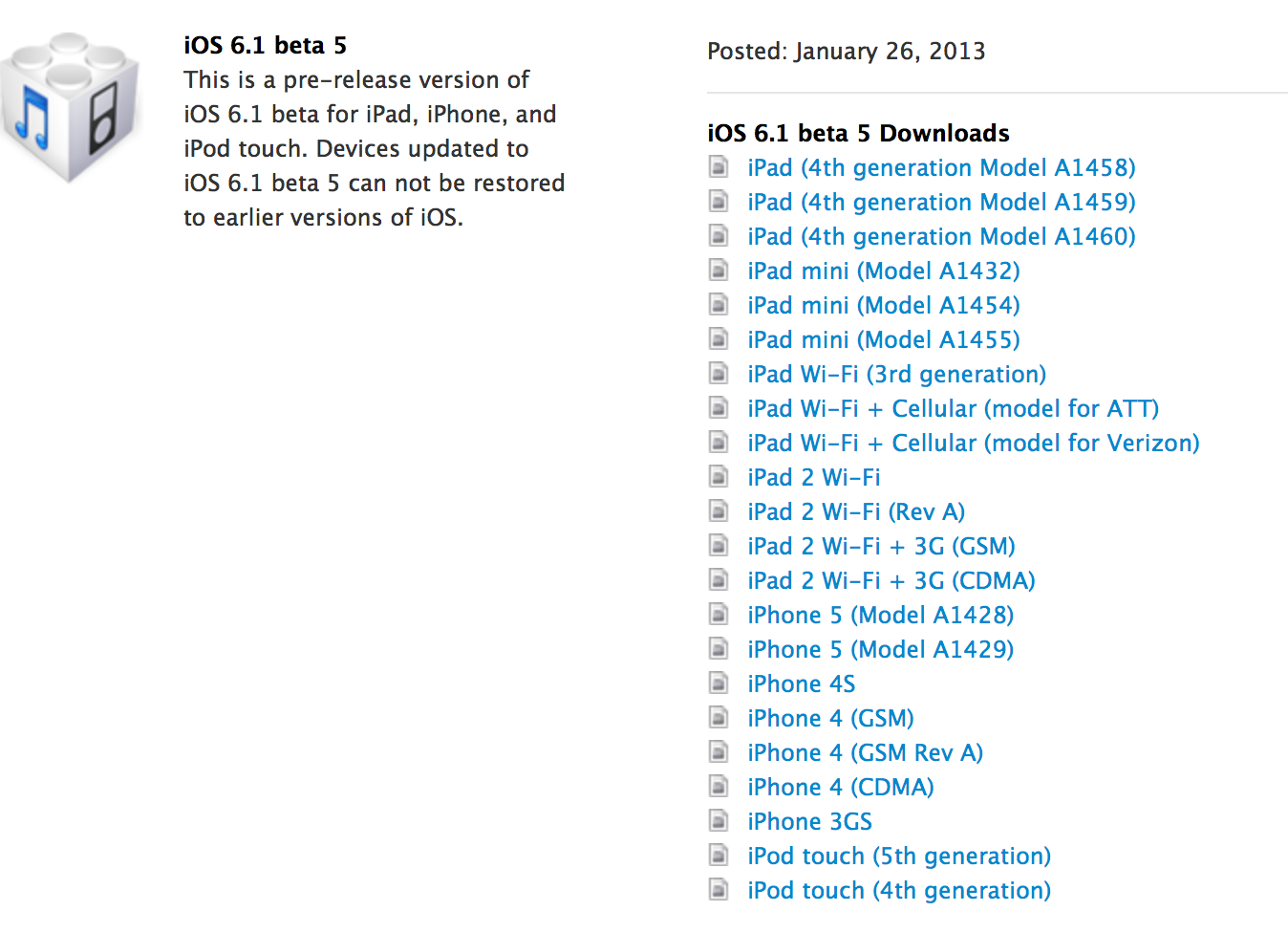
  • Goto apple download page and download your latest firmware  – iOS 6.1.3 (iPhone 4/4S) – iOS 6.1.4 (iPhone 5) (Latest Public Release)
  • Open iTunes on your PC or Mac and connect your phone.
  • Select your device, use Option + Click (Mac Users) or Shift + Click (Windows users)  on restore button and select the iOS 6.1.3 or iOS 6.1.4 .ipsw file.
  • Now your device will be successfully restored to iOS 6.1.3 (iPhone 4/4S) or iOS 6.1.4 (iPhone 5)
 

How to Jailbreak iPhone 5 using Evasi0n ?

evasi0n

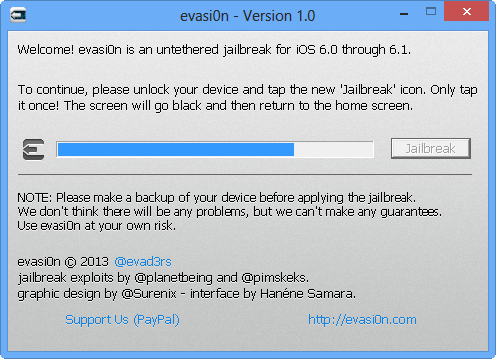
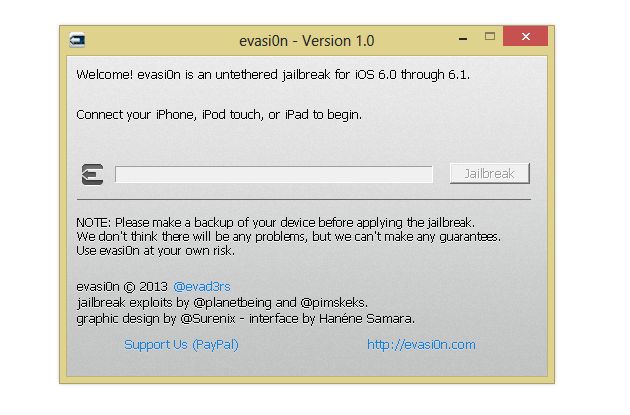
iPhone 5 Jailbreak tool Evasi0n just got released. Here is a detailed tutorial which explains how to Jailbreak your iPhone 5 using Evasi0n in simple easy steps. Evasi0n is available for PC running on Mac OS X, Windows and Linux.

 Download the Evasi0n tool for  your desktop PC by following this link here.

Once you download the tool. Follow the steps below to Jailbreak your iPhone 5.

Warning : Backup your device using iTunes (or iCloud) before using evasion. If something goes wrong, you’ll always be able to recover your data.


Step 1:

Make Sure your iOS devices runs on iOS 6 or above. If not download iOS 6 or iOS6.1, and update your device to it using iTunes.

Step 2:

Make sure you don’t have any passcode set on your device. You can disable Passcode lock from: Settings –> General –> Passcode Lock –> Off

Step 3:

Close iTunes before proceeding to the next step.

Step 4:

Start the Evasi0n jailbreak tool on your computer.

Step 5:

Connect the relevant iOS device to your PC or Mac via the USB cable .

Step 6:

04-02-2013 22-51-03

Select the Jailbreak option and run  the jailbreak process.

Step 7:

You will see an app called Jailbreak in your iPhone. Evasi0n now ask you to tap the icon in your iPhone once to continue.

Step 8: 

Tap to continue the Jailbreak Process.

Step 8:

If the Jailbreak was successful you will see the Cydia app in your iPhone.

iOS6 Untethered Jailbreak Tool Evasi0n now available for Download.

evasi0n

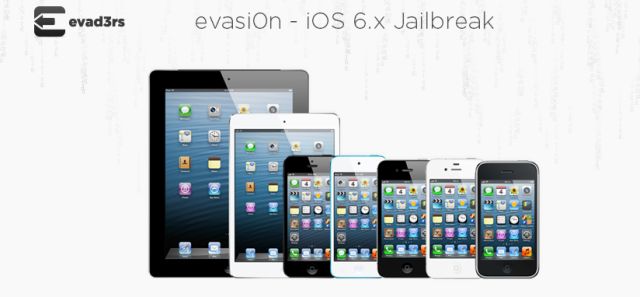
iOS6 Jailbreak tool is HERE!! The long wait for the Untethered Jailbreak tool for iOS6 comes to an end today. The team of hackers such as @pimskeks , @planetbeing , @pod2g and @MuscleNerd have just released a tool called Evasi0n. This tool was in the development for very long time. This tool brings Untethered Jailbreak for devices running on iOS6 and also to the new devices which is powered by A5, A6 and A6X Processors. This tool is said to be Compatible with all iPhone, iPod touch, iPad and iPad mini models running iOS 6.0 through 6.1.

Download Links for Evasi0n :

Mac OS X

Linux

Windows 

Official Mirrors

Server OS Link
box.net Linux SHA1: c9e4b15a161b89f0e412721f471c5f8559b6054f
Mac OS X SHA1: 23f99a0d65e71fd79ff072b227f0ecb176f0ffa8
Windows SHA1: 2ff288e1798b4711020e9dd7f26480e57704d8b2
MEGA Linux SHA1: c9e4b15a161b89f0e412721f471c5f8559b6054f
Mac OS X SHA1: 23f99a0d65e71fd79ff072b227f0ecb176f0ffa8
Windows SHA1: 2ff288e1798b4711020e9dd7f26480e57704d8b2
RapidShare Linux SHA1: c9e4b15a161b89f0e412721f471c5f8559b6054f
Mac OS X SHA1: 23f99a0d65e71fd79ff072b227f0ecb176f0ffa8
Windows SHA1: 2ff288e1798b4711020e9dd7f26480e57704d8b2

Breaking : Apple Released iOS 6.1 For iPhone, iPad, iPad Mini And iPod Touch

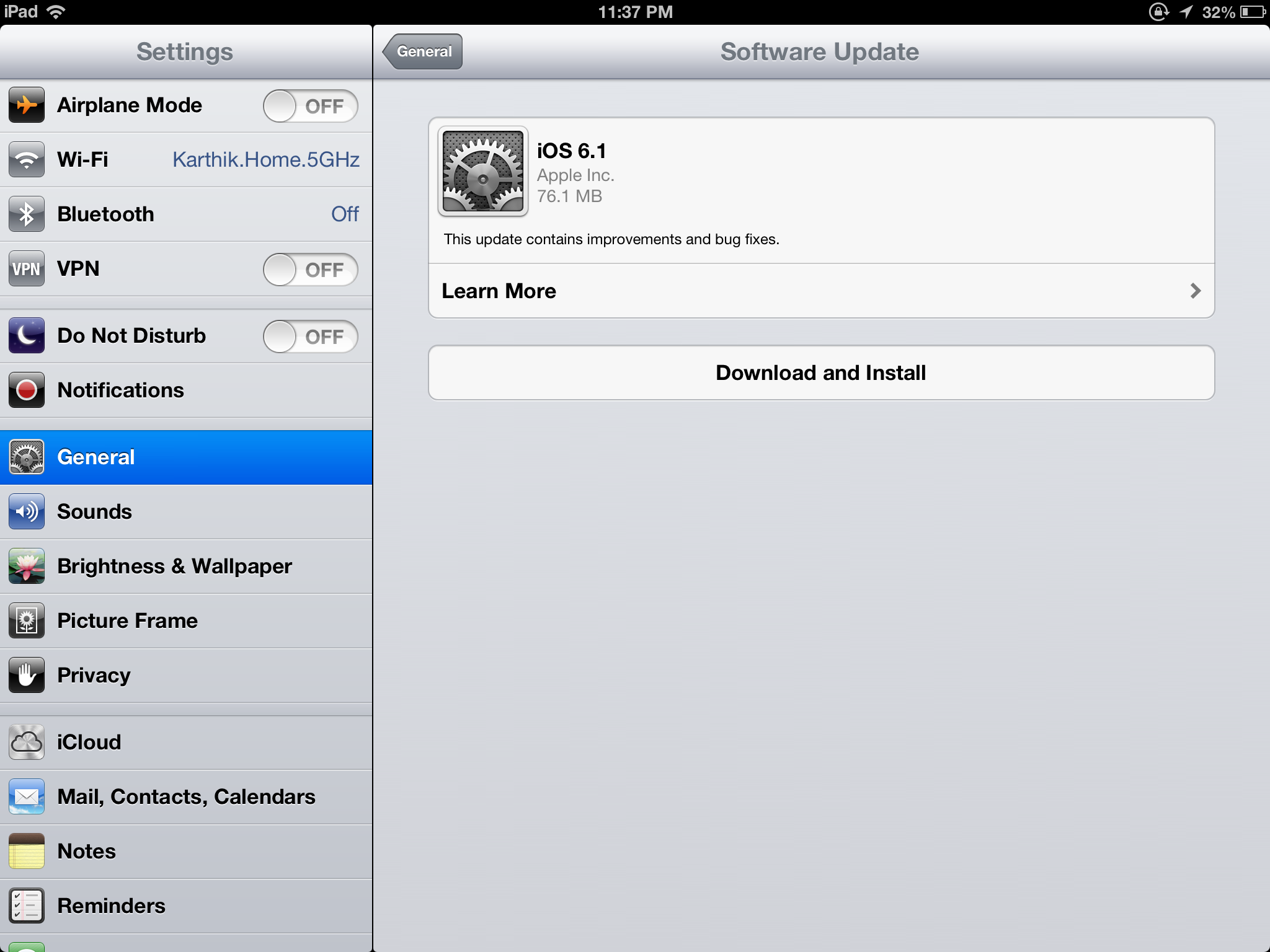
Apple today released iOS 6.1 for public. iPad, iPad mini, iPhone and iPod Touch users can update to this latest version via over the air update. Total File Size 77 MB

The update includes improvements of improvements for iOS device users:

  • LTE support for more carriers (Apple previously announced that it would add more LTE carriers this week)
  • Purchase movie tickets through Fandango via Siri (US only)
  • iTunes Match subscribers can now download individual songs from iCloud
  • New button to reset the Advertising Identifier.

iOS 6.1 iPhone, iPad, iPad mini, iPod Touch

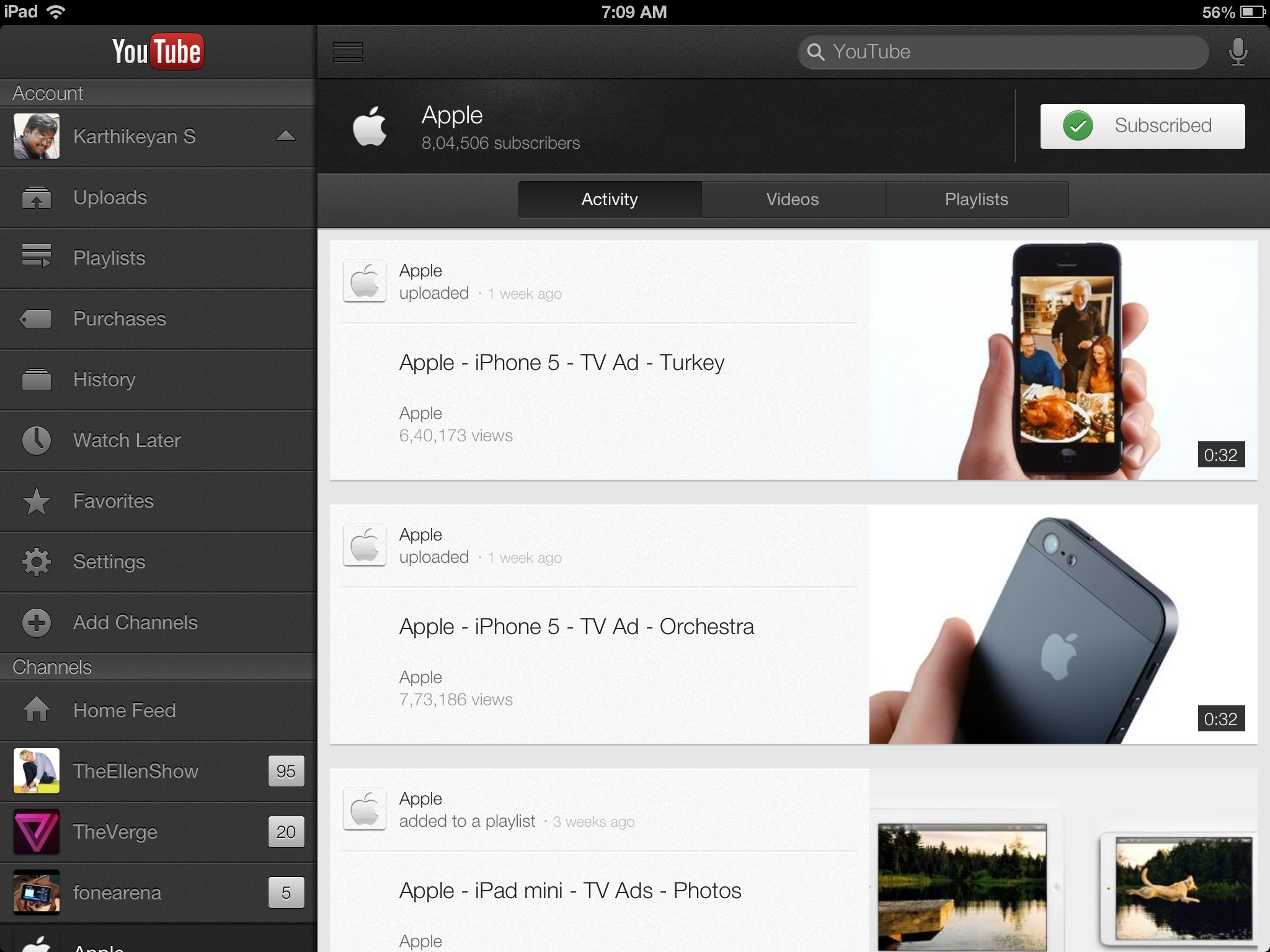
YouTube App Is Now Optimized For iPad And iPhone 5

Google today updated its YouTube App, the new update is really cool. Google optimized the app for iPhone 5 and iPad. Finally we can use the official YouTube app for iPad. Now we can also stream YouTube videos via AirPlay. The interface is really simple and impressive.

YouTube Change Log

  • Optimized for iPad and iPhone 5
  • Stream videos with AirPlay
  • Tap logo to open your Guide of channels
  • Add and remove videos from your playlists
  • Clickable links in video descriptions
  • Improved accessibility with VoiceOver

Download YouTube From App Store

iOS 6 Direct Download Links

Apple Just released iOS 6 for Public. iOS 6 has lots of new cool features. iOS 6 is available as OTA  update and akso you can download iOS 6 .ipsw file.  Are you having Jail-broken iPhone ? Do you really want to say with that? obviously I will suggest you wait until Jailbreak for iOS 6 is out. Mean while download iOS 6 .ipsw file and use it when the jailbreak for iOS 6 is out.

iOS-6

Continue reading iOS 6 Direct Download Links

How To Enable FaceTime Over Cellular [3G or LTE]

In 2010, Steve Jobs unveiled iPhone 4, it has front facing camera which is useful for FaceTime video calls. FaceTime is only possible over WiFi network. During initial Launch FaceTime is only possible between iPhone 4.  Later unveiled new products and now FaceTime is possible between iPod Touch, iPhone 4/4S, iPad 2/New iPad, MacBook Airs, Mac Book Pros, iMacs and Mac Mini’s.  Continue reading How To Enable FaceTime Over Cellular [3G or LTE]