All posts by Karthikeyan

About Karthikeyan

Blogger.. Apple FanBoy.. Social Media Enthusiast.. Web Addict.. Connect with me to know more :)

iPhone 6 Leaked Case Compared With iPhone 5S, Nexus 5 and Samsung Note 3

Apple fans are eagerly waiting for the WWDC event which is scheduled for June 4. In the meantime many leaks about iPhone 6 or next iPhone was shared on the internet. According to the rumors there might be two iPhones with 4.7 inch display and 5.5 inch display. Here is an exclusive comparison video of  leaked case of iPhone 6 with iPhone 5S, Google Nexus 5 and Samsung Galaxy Note 3.

Let’s breakdown the points from the video.

The case is larger than the iPhone 5S and looks similar to nexus 5 and smaller than Samsung galaxy S5.

iPhone-6-leaked-case-iphone-5s-nexus-5-note-3

The power button is moved from top to right and side. Logically if the phone is bigger the power button has to be on side to lock or wake up the phone with one hand.

iPhone-6-leaked-case-power-button

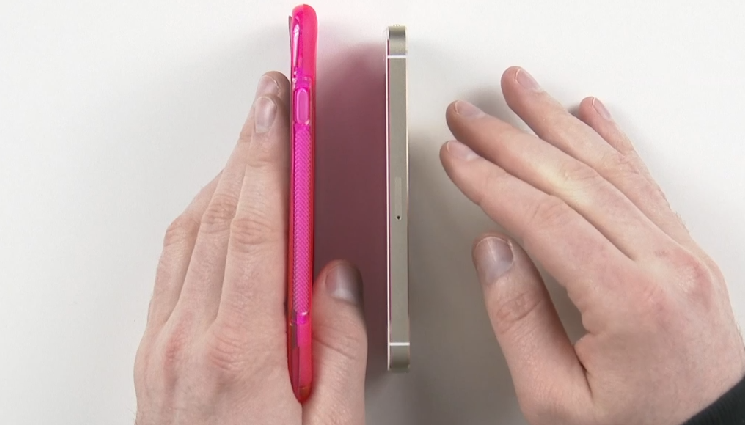
There is noticeable difference if the volume rockers are compared with iPhone 5S. The mute button and volume buttons looks similar to iPad mini retina and iPad Air.
iPhone-6-Leaked-case-Vs-iPhone-5S

Over all the case itself slimmer than the nexus 5 and iPhone 5S. The actual device must be smaller for the case to fit.

iPhone 6 Leaked Case Vs Nexus 5

Here is the full video of the comparison by unbox therapy. Do let us know what you think about the leaked iPhone case.
Have you tried these tricks with your iPhone Headphones ?

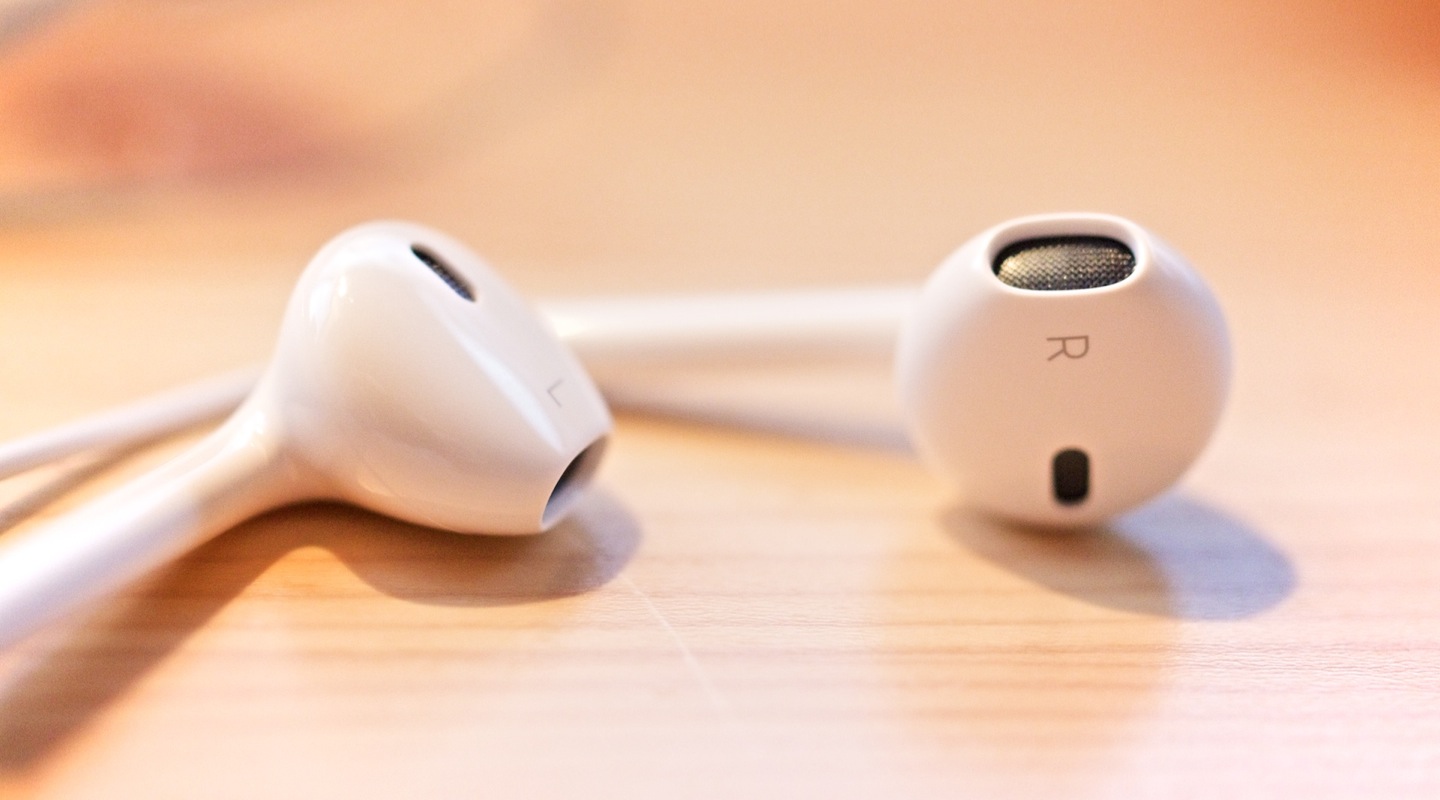
There are lots of work behind the Apple Earpods. Earpods are designed and manufactured in a way that it will fit most ears with comfort. I personally like Earpods because of its comfort and sound quality. Many of us use apple Earpods. There are lots of other things you can do with your Earpods apart from listening to your music.

tricks-iphone-headphones

Call

Incoming call – Tap the center button once to answer the call.

On Call – Tap the center button once to disconnect the call.

Tap the center button and hold to reject an incoming call.

Siri

Press and hold the center button for few seconds to activate Siri using your Earpods.

Music

You don’t need to open the music app to use these functions. 

Tap the center button once for play / Pause.

Tap the center button twice for next song, Tap twice and hold to fast forward.

Tap the center button thrice for previous song. Tap thrice and hold to rewind the song.

Use volume buttons to control volume.

Camera

Apple made a change to iOS that now we can snap photos using volume up key. This function works well with Earpods if connected.  This helps you to take better shots with your Earpods as remote control for your camera app.

These functions works with other headphones too. I personally tested these functions with A-Jays fours. It worked like a charm. All you need is better inline remote control with 3 button functions.

Torture Test : Gold iPhone 5S vs 50 Cal [Video]

Apple unveiled the new iPhone 5S on sep 10, it hits the market in many countries on sep 20th. iPhone 5S is packed with all new A7 64 bit processor, M7 coprocessor, 64 bit iOS 7 and Touch ID finger print sensor. Still iPhone 5S is not released in many country and there is a demand for gold iPhone 5S. Guys at RatedRR destroyed a Gold iPhone 5S with 50 cal.

Gold iPhone 5S vs 50 Cal

Here is the torture test slow mo video.

iOS 7 Beta Direct Download Links

Download iOS 7 / 7.0 – Released To The Public [Direct Download Links]

Apple has finally released iOS 7 to the public, and it is now available for download.  You can now update your iOS device to iOS 7 via OTA or through PC or MAC. First go to General settings – Software update and check for any update, If you see iOS 7 Download and install. Simple.

iOS 7 Beta Direct Download Links


If you have any issues connect your iOS device to your PC or Mac, update your iTunes to latest one. Once the device is shown Click check for update and update your device. You can also manually download .ipsw files and Shift+Click (Option+Click on a Mac) the “Check for update” or “Update” button and browse for the IPSW file.

iOS 7 is designed by Ive. iOS 7 comes in new taste and flat design. iOS 7 brings lots of great new features including improved mission control, notification bars and over 200 new features.

iOS 7

iOS 7 / 7.0 IPSW Direct Download Links

iTunes 11.1 Direct Download Links

You are welcome to share your impressions with us after you install this newest firmware update.

iCloud.com Redesigned With iOS 7 Design

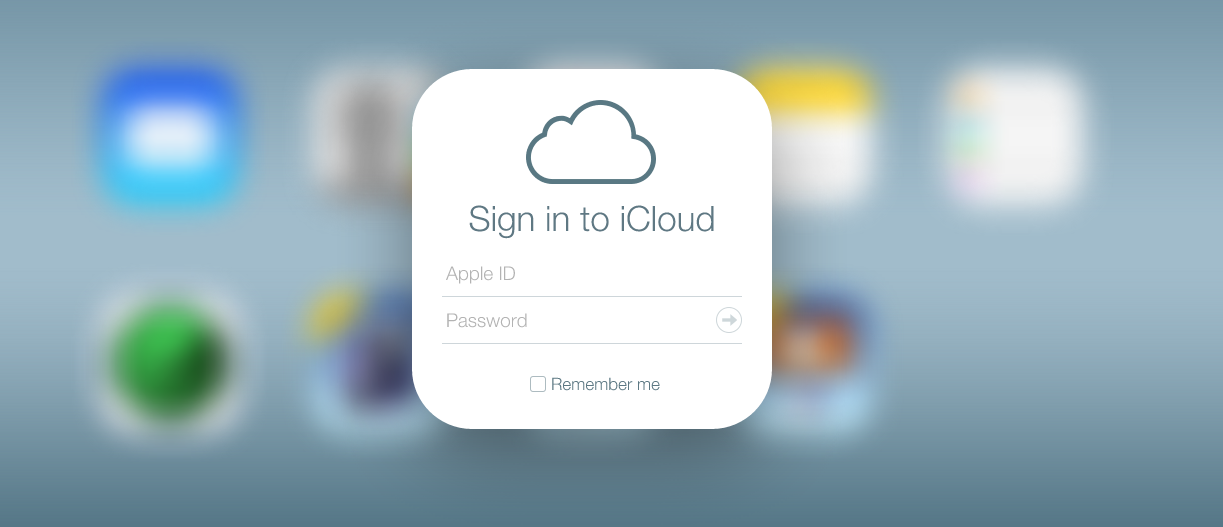
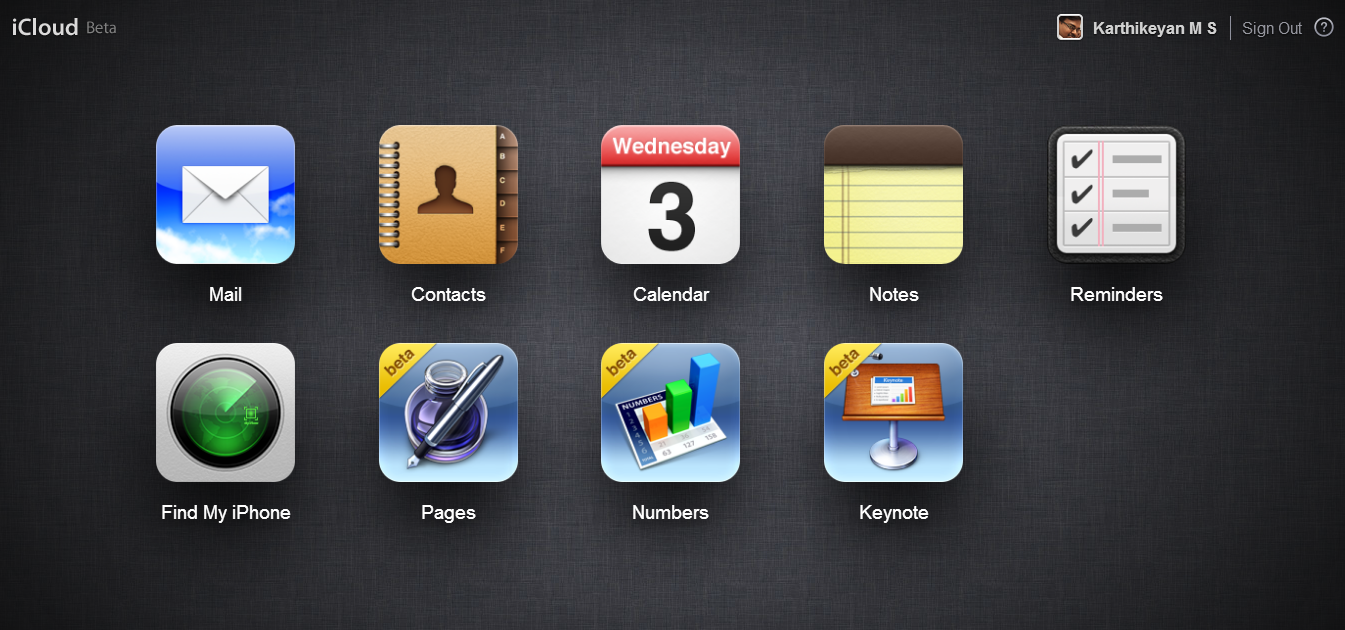
Apple’s iOS 7 is the major iOS change in the history. iOS 7 is completely redesigned with new effects and flat icons. Apple was redesigning iCloud.com site to match with iOS 7, finally the new redesigned site is available for all and comes out of beta.

iCloud.com iOS 7

iCloud.com includes contacts, mail, calender, remainder, notes, iWork apps and find my iPhone feature. Go to iCloud.com and login with your ID to enjoy the new taste.

VLC For iOS is Back, Its FREE

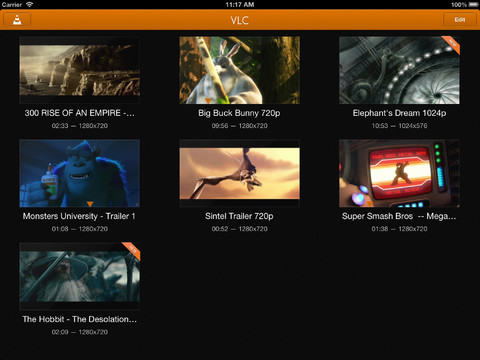
VLC media player, the most popular media player for PC and Mac. VLC media player has lots of options and it is one of the best player that supports most of the available video and audio formats without any conversion. VLC for iOS pulled down from iOS app store before 2 years due to some copyright violations. The new VLC for iOS is now back in app store and it is rewritten completely. The new VLC media player for supports most format and also we can synchronize media using WiFi, iTunes, Dropbox and direct downloads from the web.

VLC for iOSVLC for iOS Features

  • Play all files, in all formats, including exotic ones, like classic VLC media player.
  • Play MKV, multiple audio tracks (including 5.1), and subtitles tracks (including SSA!).
  • Support for network streams, including HLS, MMS or RTSP.
  • Include video filters, playback speed manipulation, and fine seeking.
  • A video media library, with WiFi Upload, Dropbox integration and optional passcode lock.
  • Integration for bluetooth headsets and AirPlay.
  • Supports iOS 5.1 or later including the first iPad.
  • Completely free, libre and open source.

Downlaod VLC for iOS from app store.

iWork For iCloud Beta

iWork For iCloud Beta Is Now Available For All

Apple announced the web based iWork Suite (Pages, Numbers and keynote) at WWDC 2013. iWork for iCloud is currently under beta and now anyone can access it. Just visit beta.icloud.com and login with your Apple ID to access these beta apps. All you need is a latest version of modern browser.

These web based apps are similar to keynote, pages and numbers for iPhone and iPad.

Note : iWork for iCloud is under beta, make sure you have a backup of your file in your PC.

iWork For iCloud Beta

iWork for iCloud lets you create beautiful documents, spreadsheets, and presentations using Pages, Numbers, and Keynote in your browser on a Mac or PC.

As a Registered Apple Developer, you can be one of the first to use the beta of iWork for iCloud. To get started, simply go to beta.icloud.com with the latest version of Safari, Chrome, or Internet Explorer and sign in with the Apple ID associated with your Registered Apple Developer account.

Please note that these web apps are in beta and it’s important that you regularly maintain a local backup of your documents.